Check the file name and size
The included file is accurate-block-placement-1.0.16.jar and is about 22.1 KB. File size alone is not a security guarantee, but an unexpected name or size is a reason to stop and verify the source.
Compare the SHA-256 value
The SHA-256 for the version 1.0.16 file is bc0acd1e34353c6c5f41ffb86c5cb2fa73d4ea5d339c796a433fcb9960c55d99. A matching hash confirms the downloaded bytes are identical to the file packaged with this website.
Check the embedded metadata
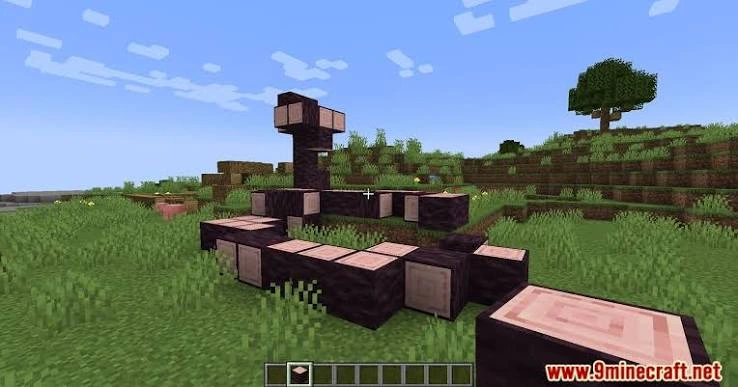
The JAR identifies itself as Accurate Block Placement version 1.0.16, a client-side Fabric mod for Minecraft 1.19.3 requiring Fabric Loader, Fabric API and Java 17+.
Keep backups and separate instances
Back up important worlds before changing a modded setup. Separate launcher profiles make it easier to test new files without affecting a stable installation.
Do not treat compatibility as a safety shortcut
A file can be legitimate and still be incompatible with your game version or loader. Verify both file identity and technical compatibility before launching.
Use the displayed hash as a file identity check
A SHA-256 value is useful because it identifies the exact bytes of a file. After downloading, calculate the SHA-256 value with a trusted local tool and compare it with the value shown in this website’s Download or Release Information section. A matching value confirms that the downloaded file is byte-for-byte the same file represented by that hash.
A hash does not tell you whether every mod is suitable for your personal setup, so combine it with version and loader checks. The strongest routine is to verify file identity first, then verify compatibility before launch.
Check metadata before opening an important world
The version 1.0.16 JAR identifies the mod version and declares the environment and dependencies used by the installation guidance on this site. Confirm those details against your active profile: Minecraft 1.19.3, Fabric Loader requirements, Fabric API and Java 17+. If the profile does not match, fix the environment before trying to start the mod.
- Keep the original file name so it remains easy to identify.
- Avoid mixing copies from several download folders.
- Use a dedicated test profile for first launch.
- Back up important worlds before changing mods or loaders.
- Keep a copy of the working JAR when updating other parts of the instance.
Direct download does not remove the need for checks
Serving the version 1.0.16 JAR directly from this website removes extra redirect steps, but visitors should still confirm what they downloaded. Check the file name, hash, declared versions and active launcher profile. These checks take only a few minutes and provide a clear record of the exact build you installed.
If a later guide or search result describes a different loader or Minecraft version, do not assume it applies to this same file. Re-check the release details and keep each version in a clearly named folder or launcher instance.
Keep a simple download record
For a mod you plan to keep using, save the file name, version, date downloaded and SHA-256 value in a small text note beside your backup copy. This gives you a quick reference later if the active instance is changed or the file is moved between computers.
If a new download has the same visible name but a different hash, treat it as a different file and verify why before replacing the known copy. A version number and checksum together make file management much clearer than relying on a browser download history alone.